

How a rider books
A rider books on your storefront page
Lakeshore Black Car is our demo fleet — walk the whole flow.
They enter pickup and drop-off, choose now or later, pick a class, and see the fare before they confirm.
- Priced off the real route, not an estimate
- Their link names the class they chose — heli.waitn.co for a helicopter
- No app to install; they book as a guest with a name and a mobile number
How a job routes
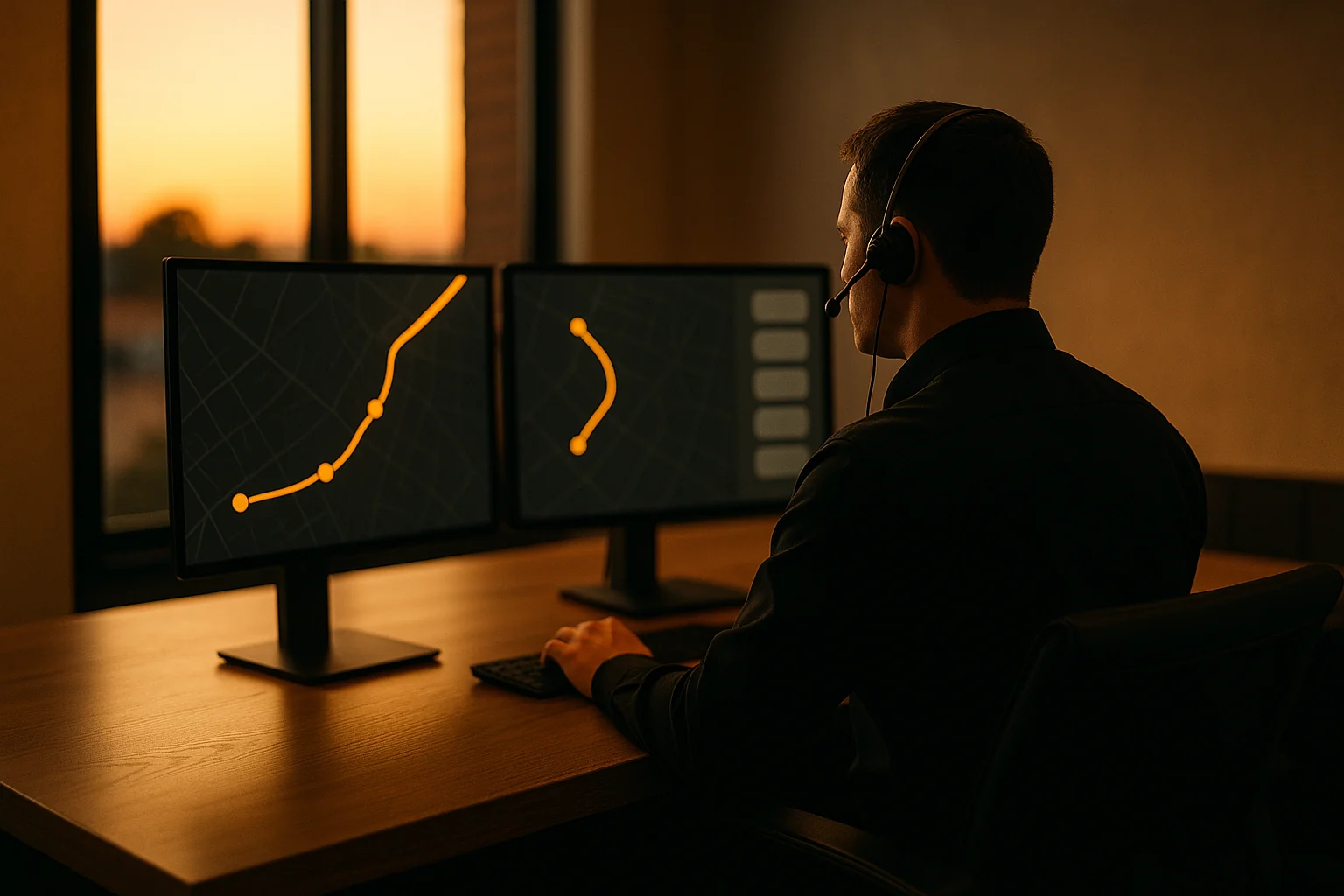
You set the rule; the board follows it
Automatic or manual, chosen in your dispatch settings — automatic offers the job to your on-shift drivers, manual holds it in a queue until you assign it.
- First driver to accept gets the job
- The board shows who it is with, and how much of the pool has been tried
- Take any job back by hand, mid-offer
How a driver runs it
The driver accepts and works the steps
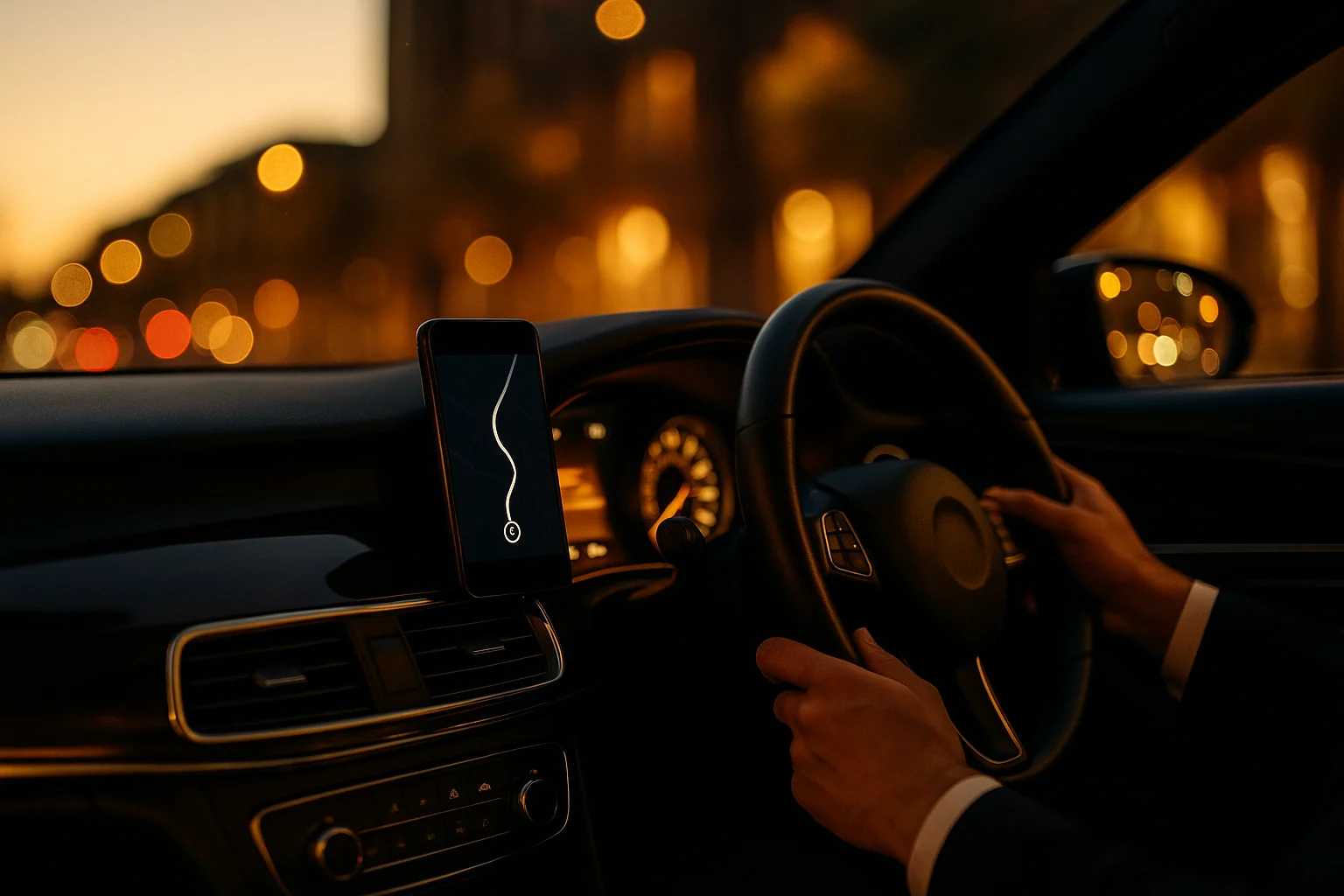
Once a job is theirs, the driver moves it through from the car — on the way, arrived, in progress, complete — and every step updates the board.
- No app to install — the driver works in the browser, on their phone
- Arrival is checked against where they actually are
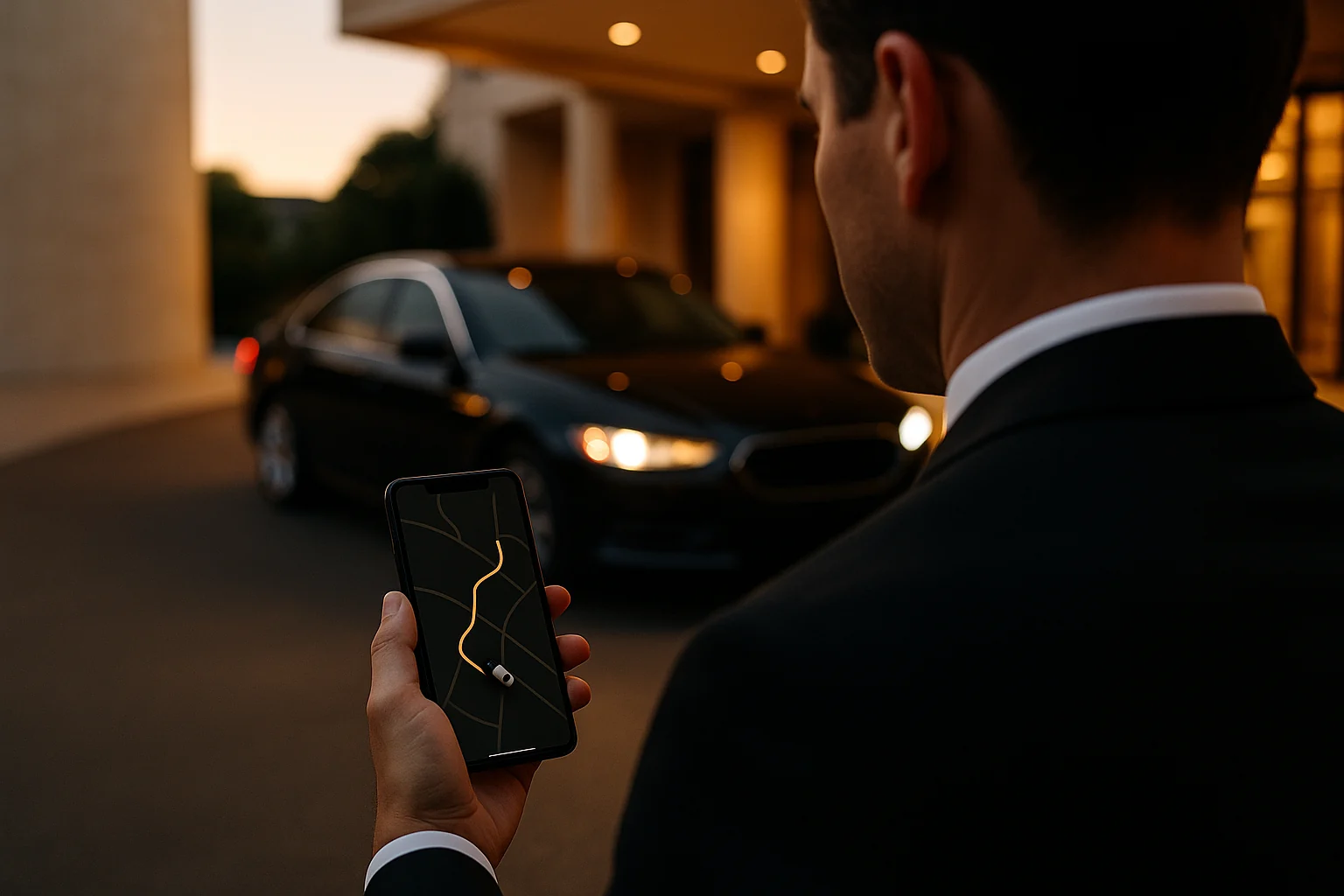
- The rider is texted automatically — assigned, then on the way — with a link to follow it
How you price it
You set what each class costs
Every class you offer carries its own seats and its own rate: a base fare, a per-mile and per-minute rate, and a minimum.
- Seats per class, so a group only sees cars that fit
- Zones, for the runs you price differently
- Surge off, automatic, or a multiplier you set yourself
How you get paid
The rider pays when they book
Card, Apple Pay or Google Pay, taken at booking and passed straight to Stripe — card details never touch us.
- You connect your own Stripe account; no merchant account to open
- Paid at booking, not chased after the ride
- If no driver takes the job, the rider is refunded automatically
How your drivers get paid
You choose who pays the driver
Either the fare lands in your account and you pay drivers yourself, or the platform charges the rider and pays each driver into their own connected account.
- Set it once, for the fleet
- You set each driver’s share, taken per trip
- Drivers connect their own payout account when they join
How it reconciles
Every ride carries its own split
What the driver earned, what you kept and the platform fee sit on the trip itself, reconciled against what was quoted, charged and paid out.
- Ride by ride, not a month-end exercise
- Nobody to chase for their share
- Revenue and reconciliation each have their own screen
How you start
Four steps to your first booking
What you carry decides which licences and agreements apply, so you are only shown the ones that bind your fleet. Your own AI booking line is included: choose your area code at sign-up and we set up your number; it shows as pending setup until it’s live.
- Tell us the business and the classes you run
- Accept the terms that apply to you
- Add your drivers and cars, with licence and insurance expiry dates
- Send your riders the link
1 / 8
One thing worth saying before you start
- Software, not a transportation provider
- Dispatchn is software for dispatchers and driver pools. We are not a rideshare company, a transportation network company, or a transportation provider. Your operating authority, your vehicles, your insurance and your drivers are yours, and your riders book with you.